
Introduction
Video content continues to play an important role in online marketing, social media, education, entertainment, and ecommerce. Businesses and creators use videos to promote products, explain services, reach new audiences, and build relationships with customers. However, producing quality videos consistently can take time, technical knowledge, and creative effort.
This creates opportunities for people interested in AI video editing side hustles in 2026. Artificial intelligence tools can help freelancers generate video concepts, remove pauses, create captions, improve audio, produce short clips, and speed up repetitive editing tasks. Freelancers can combine these features with their own creative judgment to offer useful services to businesses and individual creators.
Upwork’s 2026 in-demand skills research reported a 329% year-over-year increase in demand for AI video generation and editing on its marketplace. This is a specific marketplace finding, not a guarantee that every freelancer will find work, but it signals growing interest in this combination of creative and AI-related skills. Source: Upwork’s 2026 skills report.
For beginners, the opportunity is not necessarily to become a filmmaker overnight. It may be to learn one practical service, build a small portfolio, and help clients turn existing ideas or footage into polished video content.
1. Editing Short-Form Videos for Social Media
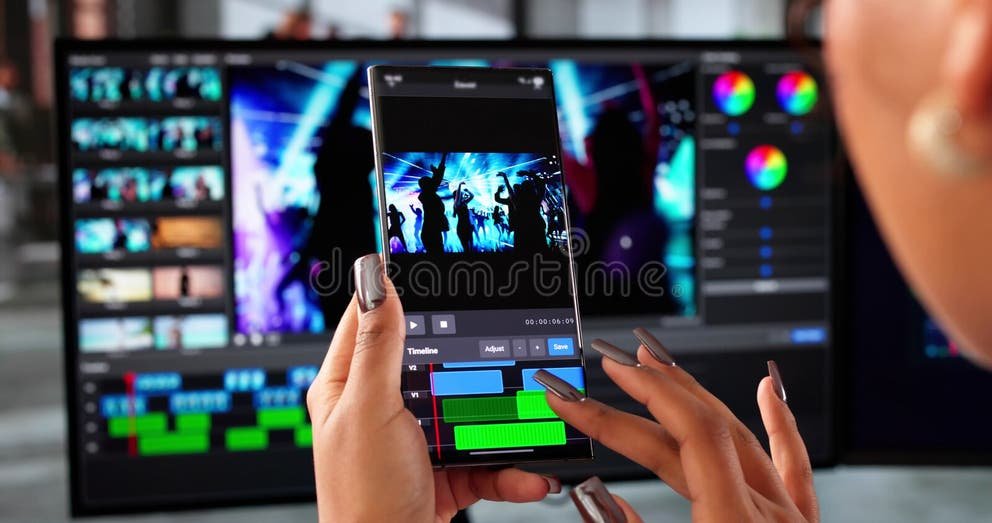
Short-form video editing is one potential side hustle to explore in 2026. Businesses, influencers, coaches, podcasters, and online sellers may need vertical videos for platforms such as TikTok, Instagram Reels, and YouTube Shorts.
Many clients already have footage but lack the time to edit it. A freelancer can help by selecting the strongest moments, trimming unnecessary pauses, adding captions, improving pacing, and including suitable transitions.
AI-powered editing features can make parts of this process faster. Some tools can identify highlights, generate subtitles, remove filler words, or help resize content for different platforms. The freelancer still needs to check the final result for mistakes and make sure the video suits the client’s audience.
Possible services include:
- Turning long recordings into short clips.
- Adding readable subtitles and captions.
- Improving pacing and removing awkward pauses.
- Formatting videos for vertical screens.
- Adding music, transitions, and simple visual effects.
A beginner could create sample videos from their own recordings or footage they have permission to use. These examples can demonstrate editing ability without requiring a large collection of paid projects.
The key is to sell a clear outcome rather than simply advertise that you use AI. For example, a creator may be more interested in receiving five polished clips from one interview than in knowing which editing software was used.
2. Creating AI-Assisted Promotional Videos
Small businesses need ways to introduce products, explain services, and attract potential customers. Some may not have the budget, equipment, or time to arrange a traditional video shoot for every campaign.
AI-assisted promotional video editing can offer another option. A freelancer might combine client-approved product photographs, existing footage, text, graphics, voice-over, and AI-generated visual elements to create a short promotional video.
Potential clients include local retailers, online stores, restaurants, beauty businesses, service providers, and independent brands. In South Africa, for example, an online seller might need a short product demonstration for social media or a promotional video for a seasonal campaign.
Possible services include:
- Product introduction videos.
- Short service explainers.
- Promotional videos for social media.
- Sale announcements and campaign videos.
- Simple brand videos using approved assets.
AI-generated footage should be checked carefully. Products must look accurate, brand names must be correct, and the video should not make claims that the business cannot support. Clients should also approve the script, visuals, and final version before publication.
This side hustle may suit someone who enjoys visual storytelling and marketing. Understanding the target audience, product benefits, and call to action can be just as important as knowing how to operate the editing software.
3. Repurposing Long Videos Into Multiple Pieces of Content
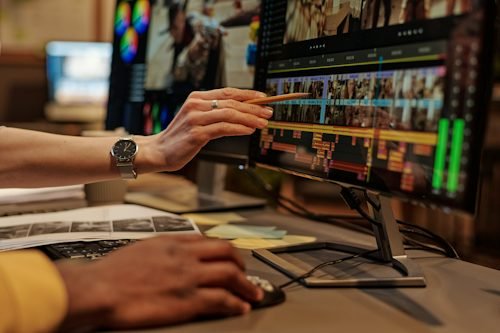
Repurposing content means turning one longer recording into several shorter assets. This can be useful for podcasters, trainers, consultants, business owners, educators, and creators who regularly record interviews, webinars, tutorials, or presentations.
For example, a 30-minute interview might contain several useful tips that could become separate short videos. A freelancer can identify these moments, remove irrelevant sections, add captions, and prepare each clip for a particular platform.
AI tools may assist with transcription, highlight detection, and initial clip selection. Human review remains essential because automated tools can miss context, select incomplete statements, or misunderstand names and technical terms.
A repurposing package might include:
- Three to five short clips from a longer recording.
- Captions and basic branding.
- Titles and opening hooks.
- Different aspect ratios when required.
- Clearly named and organized final files.
This service can be attractive because the client already has the original content. The freelancer does not always need to plan a shoot or create a complete video from scratch.
Before accepting a project, agree on the length of the original recording, the number of clips, delivery formats, revision limits, and whether the client expects you to select the highlights. These details help prevent a small job from turning into an unexpectedly large workload.
4. Adding Captions, Subtitles, and Accessible Text
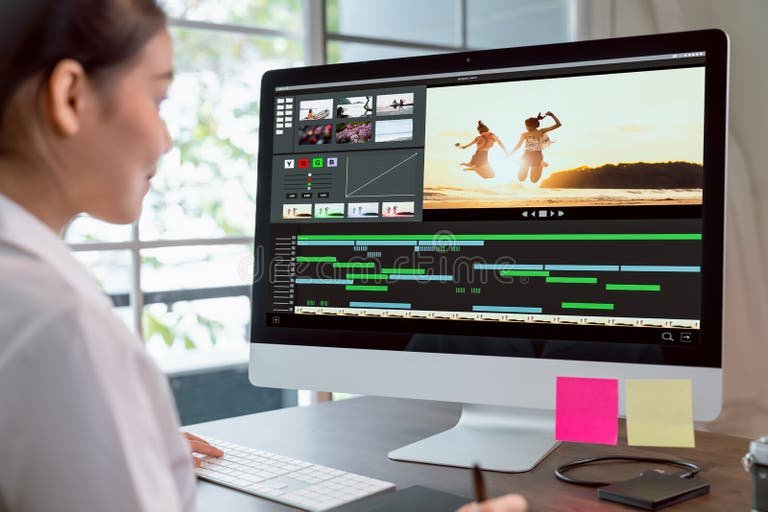
Captions help viewers follow videos when audio is unavailable, difficult to hear, or spoken in an unfamiliar environment. Subtitles can also help businesses reach audiences who speak different languages.
AI transcription tools can create a first draft of captions, reducing some manual work. However, automated captions are not always accurate. They may misinterpret accents, background noise, personal names, slang, and industry-specific vocabulary.
A freelancer can offer a service that combines automatic transcription with careful correction and visual formatting.
Potential tasks include:
- Correcting automatically generated captions.
- Synchronizing text with spoken words.
- Improving subtitle readability.
- Formatting captions to match brand guidelines.
- Preparing translated subtitles when the freelancer can verify the language quality.
For South African clients, multilingual content may be worth exploring when the freelancer has the relevant language skills. The important point is to avoid offering translation services in languages the freelancer cannot confidently check.
Caption editing can also work as an add-on to short-form video editing. Instead of selling captions as a separate service only, a freelancer could include them in a broader package for creators and businesses.
Why These Side Hustles Are Worth Exploring
AI video editing side hustles are worth researching because they combine creative work with tools that can streamline parts of video production. They may suit people who want to develop a freelance service alongside employment, studies, or other responsibilities.
However, rising demand does not mean that earning money is automatic. Freelancers still need to learn their tools, understand client requirements, communicate professionally, and produce work that meets an agreed standard.
A sensible starting point is to choose one service, create a few original portfolio examples, and approach a specific type of client. Improving the quality of a focused service can be more practical than trying to master every AI video tool at once.
5. Creating AI-Generated Advertisements

AI-assisted advertising videos are another opportunity for freelancers who want to work with small businesses and online sellers. Companies often need multiple versions of an advertisement to promote different products, offers, or campaigns.
A freelancer can combine existing product images, approved brand assets, text, voice-overs, and AI-generated visuals to produce short advertisements for digital platforms.
Potential services include:
- Short product advertisements for social media.
- Promotional videos for seasonal sales.
- Video advertisements using existing product photographs.
- Different versions of a campaign for testing.
- Simple animated advertisements for online stores.
The main advantage is that a business may be able to reuse existing assets rather than arrange a new production for every campaign.
However, AI-generated visuals must accurately represent the product or service. Avoid misleading demonstrations, fabricated testimonials, unsupported product claims, and unlicensed music or footage. Obtain client approval before publishing advertisements.
6. Producing Animated Explainer Videos

Some businesses struggle to explain their services clearly through text alone. Animated explainer videos can help communicate processes, introduce products, or answer common customer questions.
AI-assisted tools can help with script development, voice-over drafts, visual assets, and animation workflows. Freelancers can then refine the timing, layout, narration, and transitions.
Possible clients include software companies, educators, consultants, training providers, and service businesses.
A beginner could specialize in short explainer videos covering topics such as how a service works, how to use a product, or what customers should expect during a booking process.
Start with manageable projects rather than complicated animated productions. A clear 30-to-60-second explainer may be a more realistic first portfolio project than a lengthy animated presentation.
Accuracy matters. Review the narration, spelling, visual sequences, and pronunciation of technical terms. For educational or professional content, make sure the final video communicates the correct information.
7. Editing Videos for YouTubers and Online Creators
YouTube creators and online educators often need help turning raw recordings into engaging finished videos. This can include removing unnecessary pauses, adding supporting visuals, improving audio, creating captions, and producing thumbnails or short promotional clips.
AI tools may speed up transcription, rough cuts, noise reduction, and content organisation. However, the final edit still needs to match the creator’s style and expectations.
You could offer a focused service such as:
- Editing talking-head videos.
- Improving pacing and removing repetitive sections.
- Adding captions and supporting footage.
- Creating short clips from longer videos.
- Preparing consistent intros, outros, and branded elements.
A useful way to stand out is to learn the style of one type of creator. For example, educational channels may need clear explanations and supporting visuals, while entertainment creators may prefer faster pacing and more dynamic edits.
Before accepting work, agree on the final video length, delivery schedule, number of revisions, and whether you are responsible for selecting footage or simply editing the supplied material.
8. Creating AI-Assisted Training Videos

Businesses, schools, online course creators, and training providers may need videos to explain procedures, introduce software, or teach specific skills
A freelancer can help convert approved scripts, presentations, screen recordings, and demonstrations into organised training videos.
Potential services include:
- Editing software tutorials.
- Adding captions to educational recordings.
- Turning presentations into narrated videos.
- Creating short employee onboarding videos.
- Producing lesson clips from longer recordings.
This opportunity may suit people who are patient, organised, and comfortable explaining information clearly.
AI can assist with narration drafts, transcription, and editing tasks, but training material must remain accurate and understandable. Where a client supplies internal procedures or confidential information, agree on how files will be stored, accessed, and deleted.
Tools to Explore for AI Video Editing
You do not need to subscribe to every available platform to begin. Choose a small set of tools that supports your intended service, and check the current pricing, usage limits, export options, and commercial-use terms before committing.
<box gap={3}> <row align=start gap={3}> <AsyncImage query=”CapCut desktop video editor timeline interface” aspectRatio=”4:3″ maxWidth=”112px” /> <box flex=”1″ gap={1}> **CapCut**
  Useful for exploring short-form video editing, captions, transitions, and social-media formats. Check which features are available in your region and plan.
</box>
</row> <divider color=”subtle” /> <row align=start gap={3}> <AsyncImage query=”Descript video editor transcript editing interface” aspectRatio=”4:3″ maxWidth=”112px” /> <box flex=”1″ gap={1}> **Descript**
  Worth exploring for transcript-based editing, spoken-content workflows, and repurposing recordings into shorter videos.
</box>
</row> <divider color=”subtle” /> <row align=start gap={3}> <AsyncImage query=”Adobe Premiere Pro professional video editing timeline interface” aspectRatio=”4:3″ maxWidth=”112px” /> <box flex=”1″ gap={1}> **Adobe Premiere Pro**
  A more comprehensive editing option for freelancers who want to develop professional editing skills alongside AI-assisted features.
</box>
</row> <divider color=”subtle” /> <row align=start gap={3}> <AsyncImage query=”Runway AI video generation editing interface” aspectRatio=”4:3″ maxWidth=”112px” /> <box flex=”1″ gap={1}> **Runway**
  Worth investigating for AI-generated visual content and creative video workflows. Review its current generation limits and commercial terms.
</box>
</row> </box>
You can explore the official websites for CapCut, Descript, Adobe Premiere Pro, and Runway.
The best tool depends on the service you want to sell. A freelancer creating simple vertical clips may not need the same software as someone producing detailed training videos or AI-generated advertisements.
How Much Can You Charge for AI Video Editing?
There is no single standard rate for AI video editing side hustles. Pricing depends on your experience, editing complexity, turnaround time, client requirements, revisions, and the amount of manual work involved.
For example, a straightforward short clip using supplied footage may require considerably less work than a promotional video involving scripting, custom graphics, voice-over, and AI-generated scenes.
Common pricing approaches include:
- Per video: Suitable for clearly defined editing jobs.
- Per project: Useful for promotional videos and explainers.
- Package pricing: Suitable for clients ordering several short clips.
- Monthly retainers: Potentially useful for businesses that need regular video content.
- Hourly pricing: Helpful when the scope is uncertain or work is ongoing.
When setting a price, account for editing time, software subscriptions, storage, revisions, communication, taxes, and other business expenses.
Do not assume that AI makes every project quick or inexpensive. Generated footage can require multiple attempts, and quality control can take considerable time.
A practical approach is to estimate the total hours required, calculate your minimum acceptable rate, and then compare your proposed price with similar services in your target market. Start with a clearly defined scope and review your pricing as your skills improve.
How to Start an AI Video Editing Side Hustle

You do not need dozens of clients before you can begin building a portfolio. Follow a structured approach to develop your skills and test whether there is demand for your chosen service.
Step 1: Choose One Specific Service
Start with something manageable, such as editing vertical videos, adding captions, or repurposing long recordings.
A focused offer makes it easier for potential clients to understand what you do.
Step 2: Learn the Relevant Tools
Practise with the software needed for your chosen service. Learn basic editing principles, including pacing, sound levels, readable captions, framing, transitions, and exporting in the correct format.
AI can speed up certain tasks, but editing fundamentals help you identify and correct poor results.
Step 3: Build Three to Five Portfolio Samples
Create examples that demonstrate your ability to produce polished content. Use your own footage, properly licensed assets, or material you have permission to edit.
Include different examples only when they demonstrate a relevant skill. A few strong, clearly presented samples can be more useful than a large collection of unfinished projects.
Step 4: Choose a Target Audience
Consider whether you want to work with YouTubers, podcasters, coaches, ecommerce sellers, local businesses, or marketing agencies.
Choosing a specific audience can help you understand its common video needs and develop a service that addresses them.
Step 5: Find Potential Clients

Potential ways to find clients include:
- Freelance marketplaces such as Upwork and Fiverr.
- Professional networking through LinkedIn.
- Direct outreach to businesses with a relevant, personalised offer.
- Networking with social-media managers and marketing agencies.
- Referrals from satisfied clients.
If you are targeting South African businesses, consider local ecommerce stores, service providers, educators, and creators who publish videos regularly.
Avoid sending generic messages to large numbers of businesses. A short message explaining the service you offer and showing one relevant sample is more useful than promising unrealistic results.
Step 6: Deliver Consistent Quality
Before delivering a video, check spelling, captions, sound levels, aspect ratio, visual consistency, and export quality. Confirm that all assets can legally be used for the intended purpose.
Ask clients for feedback and use it to improve your process. Reliable communication and meeting agreed deadlines can help distinguish your service from competitors.
Common Mistakes to Avoid
AI video editing is not a guaranteed source of income. Beginners should avoid several common mistakes:
- Buying expensive subscriptions before testing their chosen service.
- Depending entirely on unreviewed AI-generated content.
- Using copyrighted music, footage, or images without appropriate permission.
- Promising viral results or guaranteed sales.
- Accepting projects without defining revisions and delivery dates.
- Ignoring client privacy and confidential information.
- Charging too little to cover the real time required.
- Using deceptive synthetic voices, likenesses, or testimonials.
AI-generated content should be reviewed for factual accuracy, visual errors, and misleading representations. When using synthetic voices or likenesses, obtain the necessary permissions and follow applicable platform rules and laws.
Final Thoughts
AI video editing side hustles are worth exploring in 2026 because businesses and creators need practical ways to produce, adapt, and manage video content. Opportunities may include short-form editing, promotional videos, advertisements, training content, captions, and video repurposing.
However, success depends on more than access to AI tools. Freelancers need creative judgment, technical skills, dependable communication, and an understanding of what clients actually need.
Start with one service, build a small portfolio, test your offer with potential clients, and improve your workflow through practice. Focus on delivering useful, high-quality videos rather than promising instant results.
With consistent learning and realistic expectations, AI-assisted video editing can become a skill worth developing into a freelance service or side business.
Related posts:
 Side Hustles That Pay Daily in 2026: Verified Platforms and Fast-Payout Options
 Hidden Side Hustles for 2026: Unique Ways to Earn More
 Underground Side Hustles That Are About to Go Mainstream in 2026
 AI Side Hustles That Are Actually Working in 2026
 AI Automation Side Hustles for Small Businesses in 2026
 Why Get-Rich-Quick Hustles Are Failing in 2026 and What Works Instead